Product categories
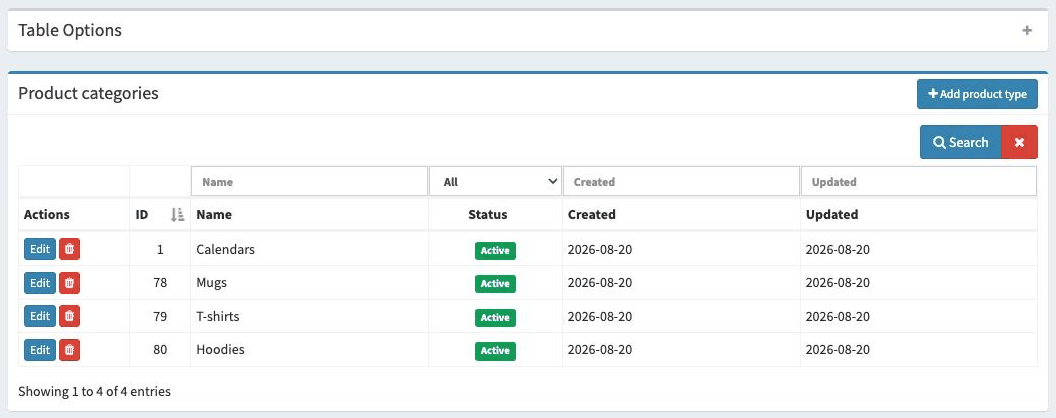
The Manage categories tab in the Photo products menu is the place where we can define the product categories the customer will be able to choose from (e.g. “Calendars”, “Mugs”).
Each added category appears as a separate item in the Photo products menu, with its own Products and Frame sizes sub-pages.
Note
Photo products are available after purchasing the additional Photo products option - regardless of the
BASIC or PRO licence you have. You can read more about this on the Buying a licence page.
Available options
Here is a list of the available options with a short explanation.
Editing a product category
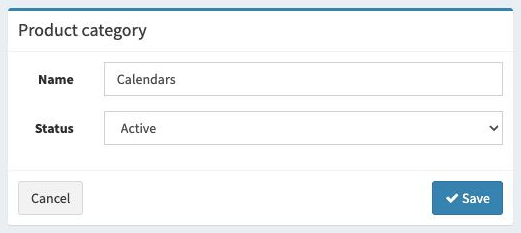
Here we can define the name of the category and its status. The name will appear as a selectable option for customers when choosing a product. A given category will only be available
when its status is active.
Adding a product category
Adding a new category works in the same way as editing an existing one.